
How to use the quilt planner
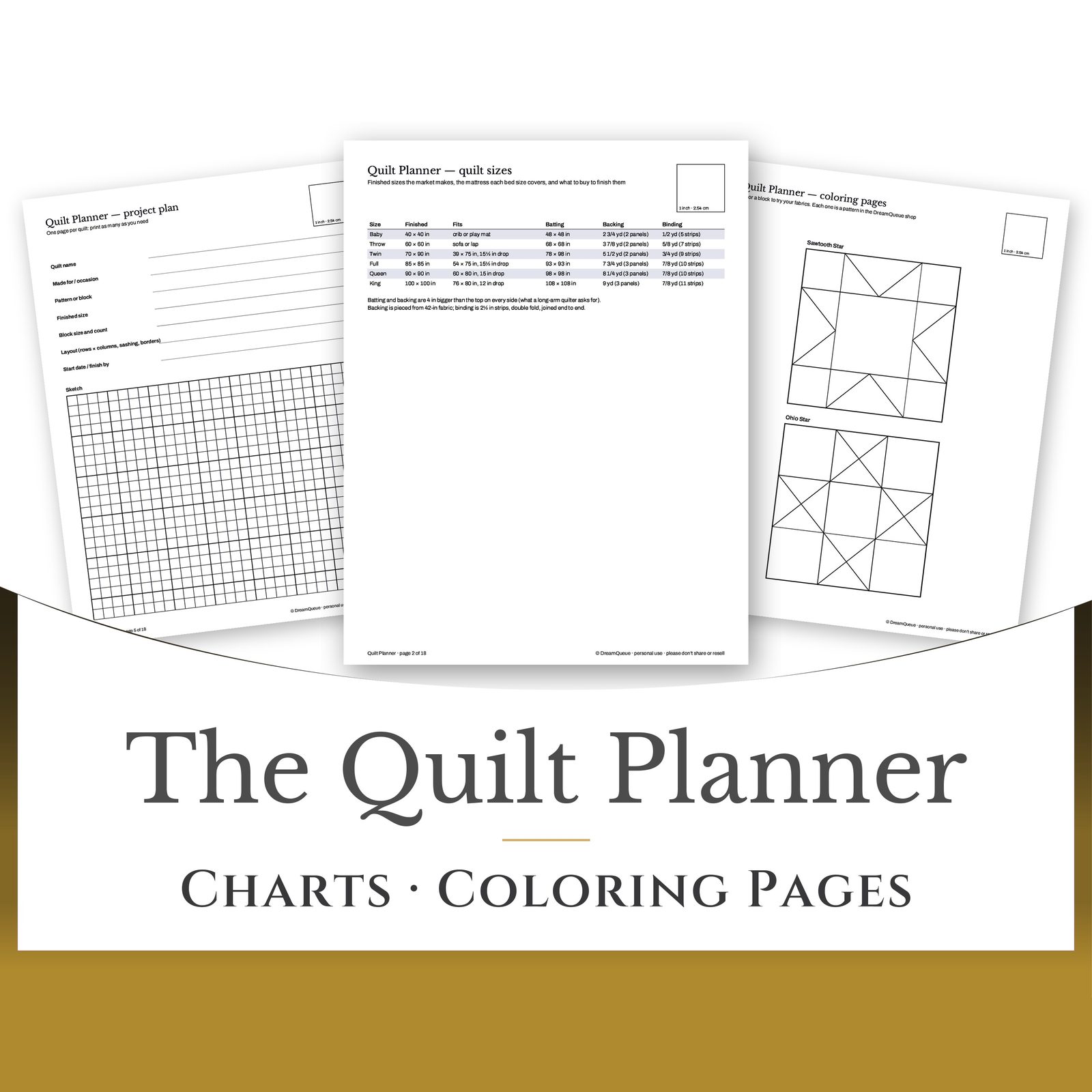
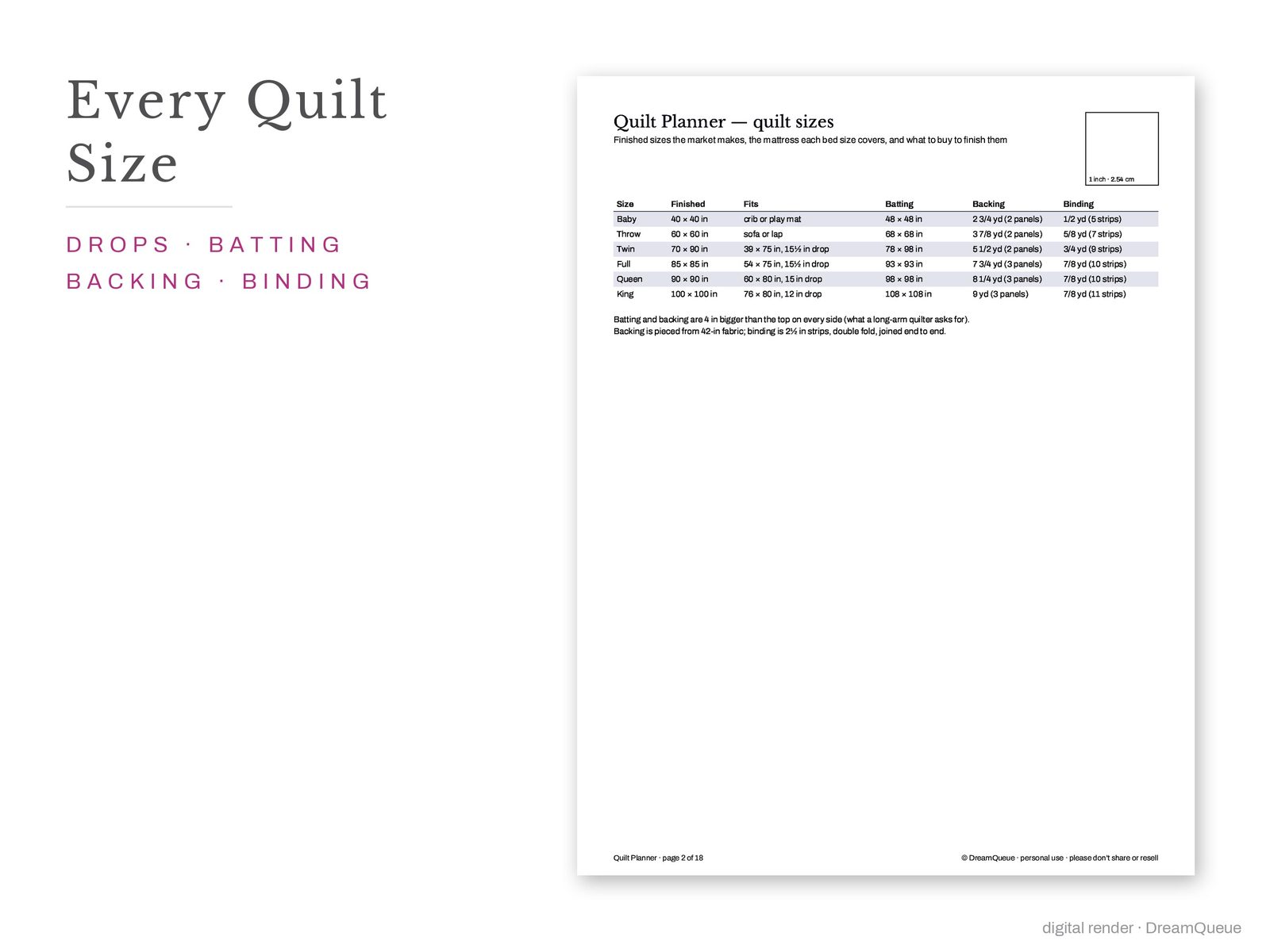
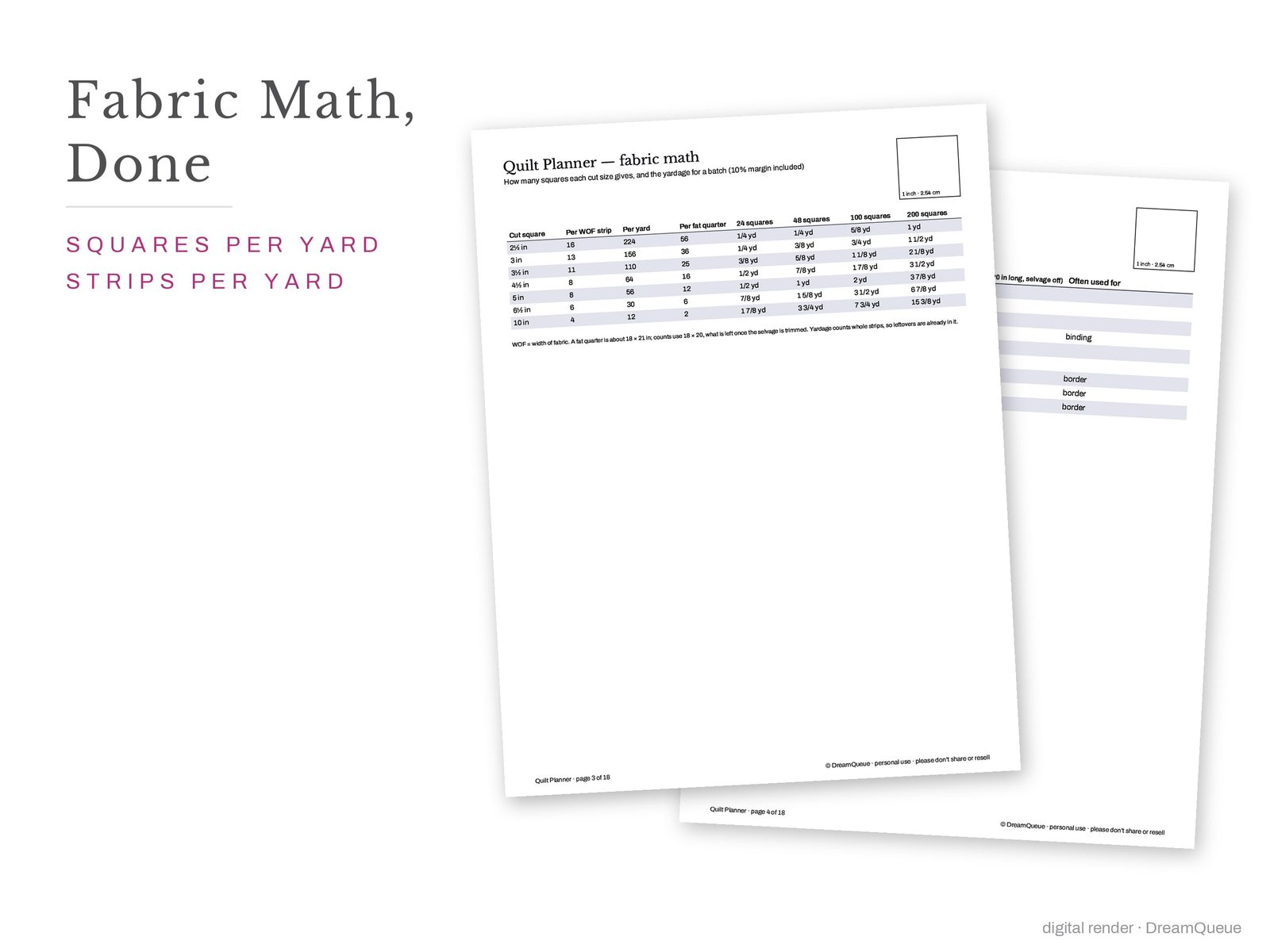
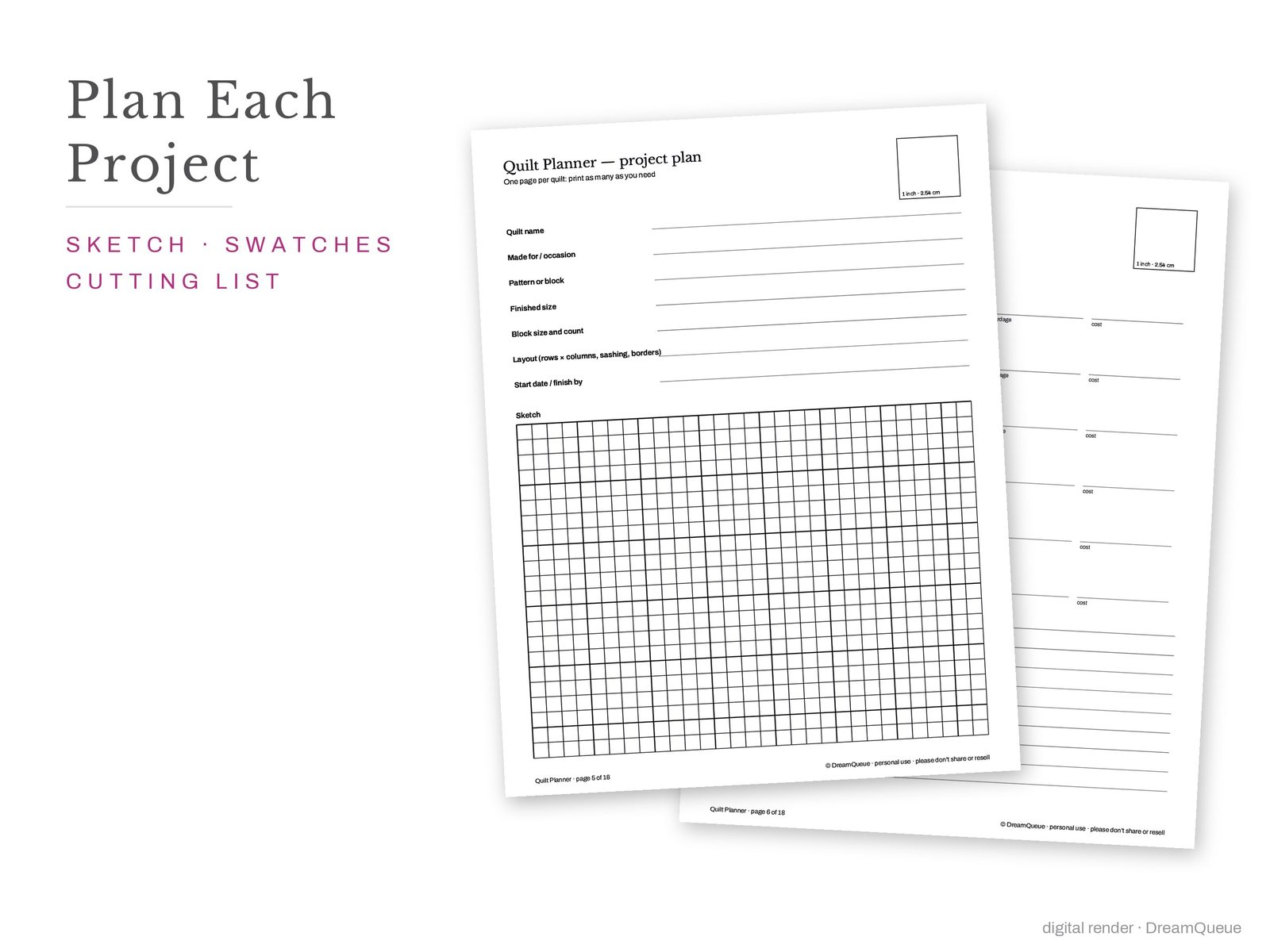
Start on the size chart: it gives the finished size, batting and backing for every bed, so the numbers are settled before you sketch. Use a project page per quilt, paste fabric swatches beside it, and draw the layout on the scale page. The fabric-math tables turn a cutting list into yards and fat quarters. The bed sizes match our quilt patterns and the quilt sizes by bed guide.
What's in the PDF
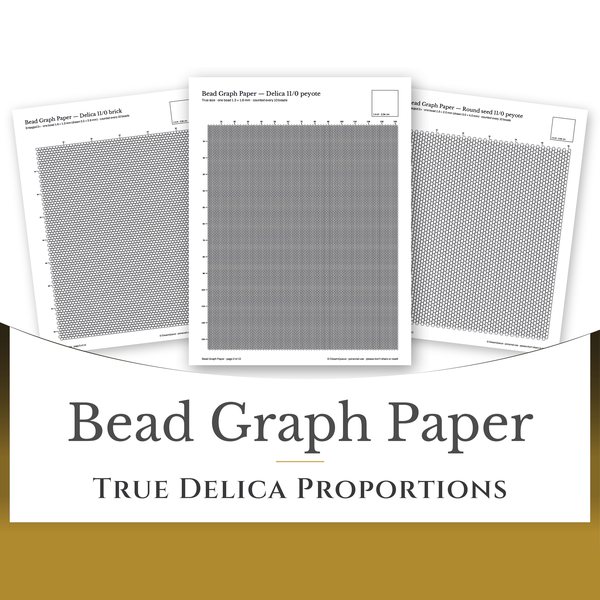
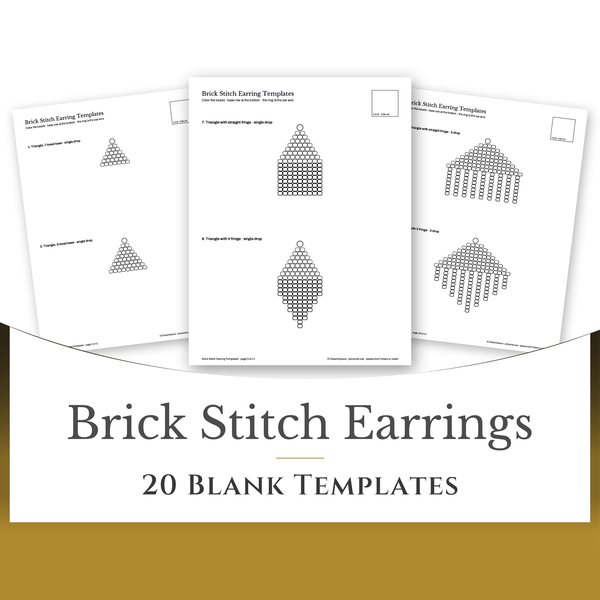
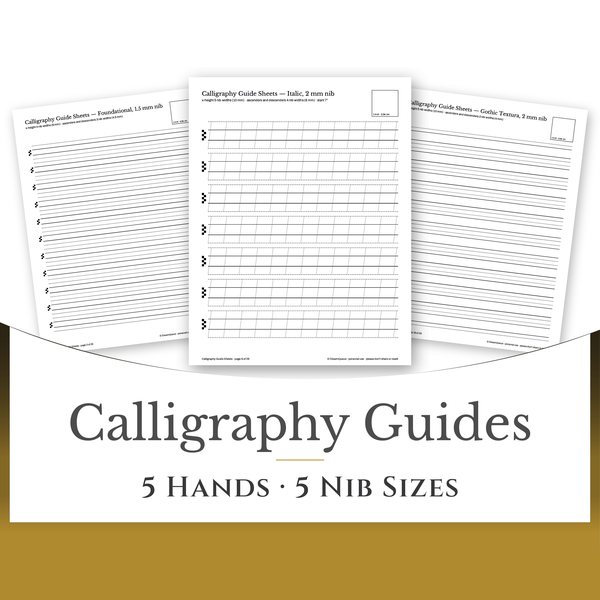
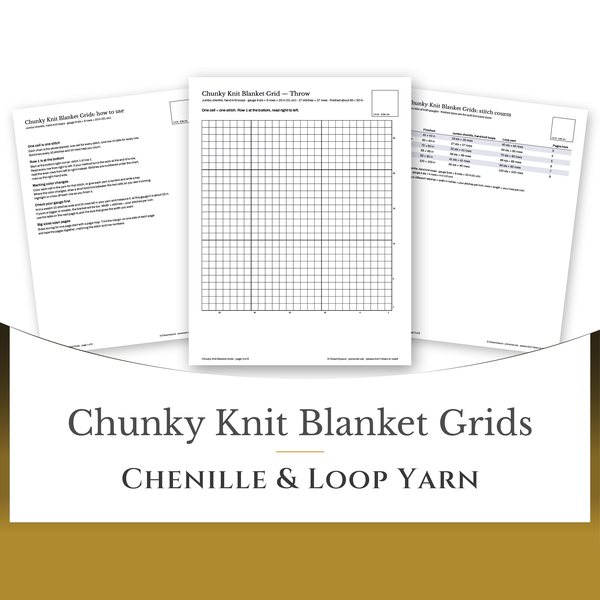
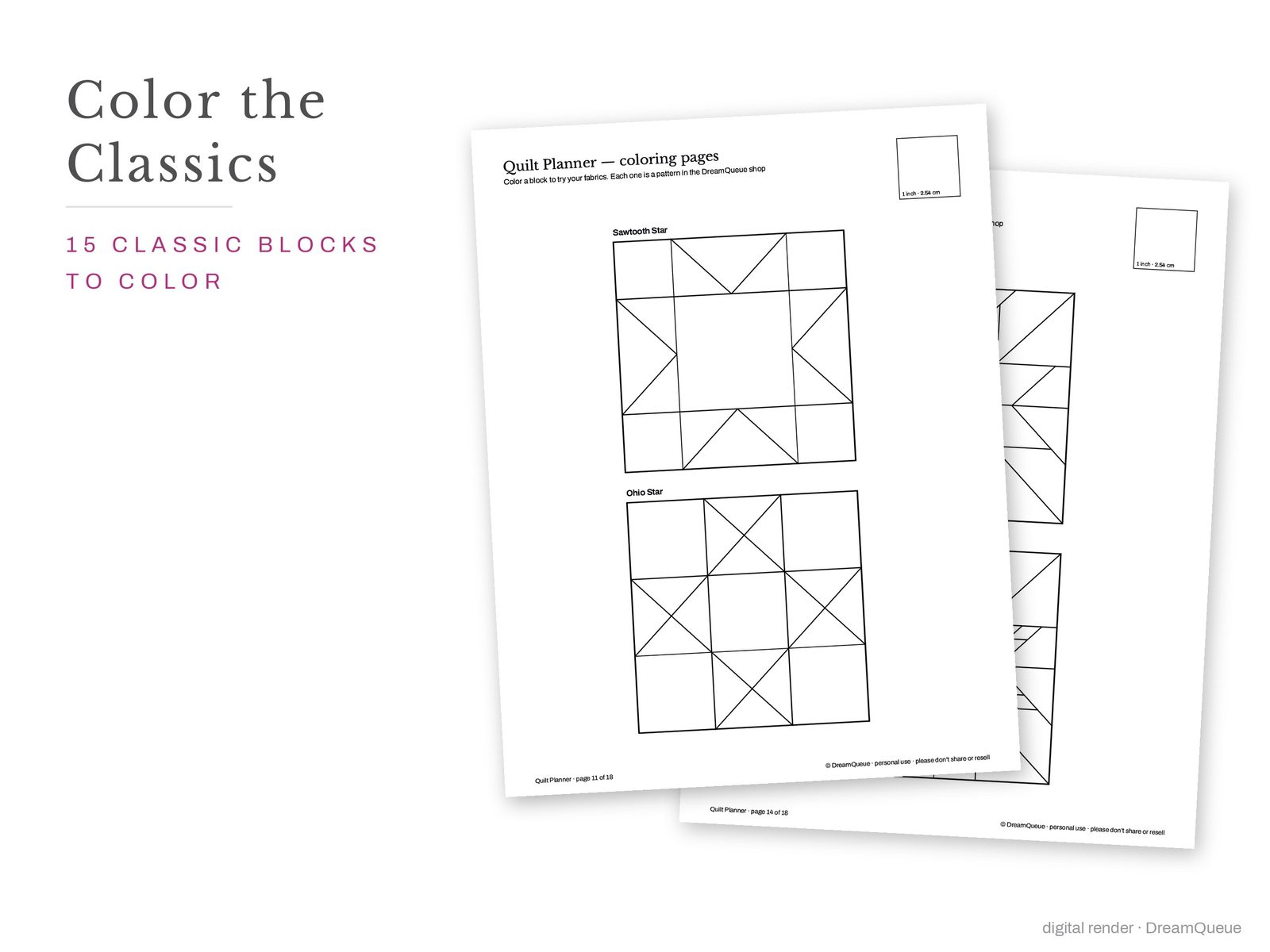
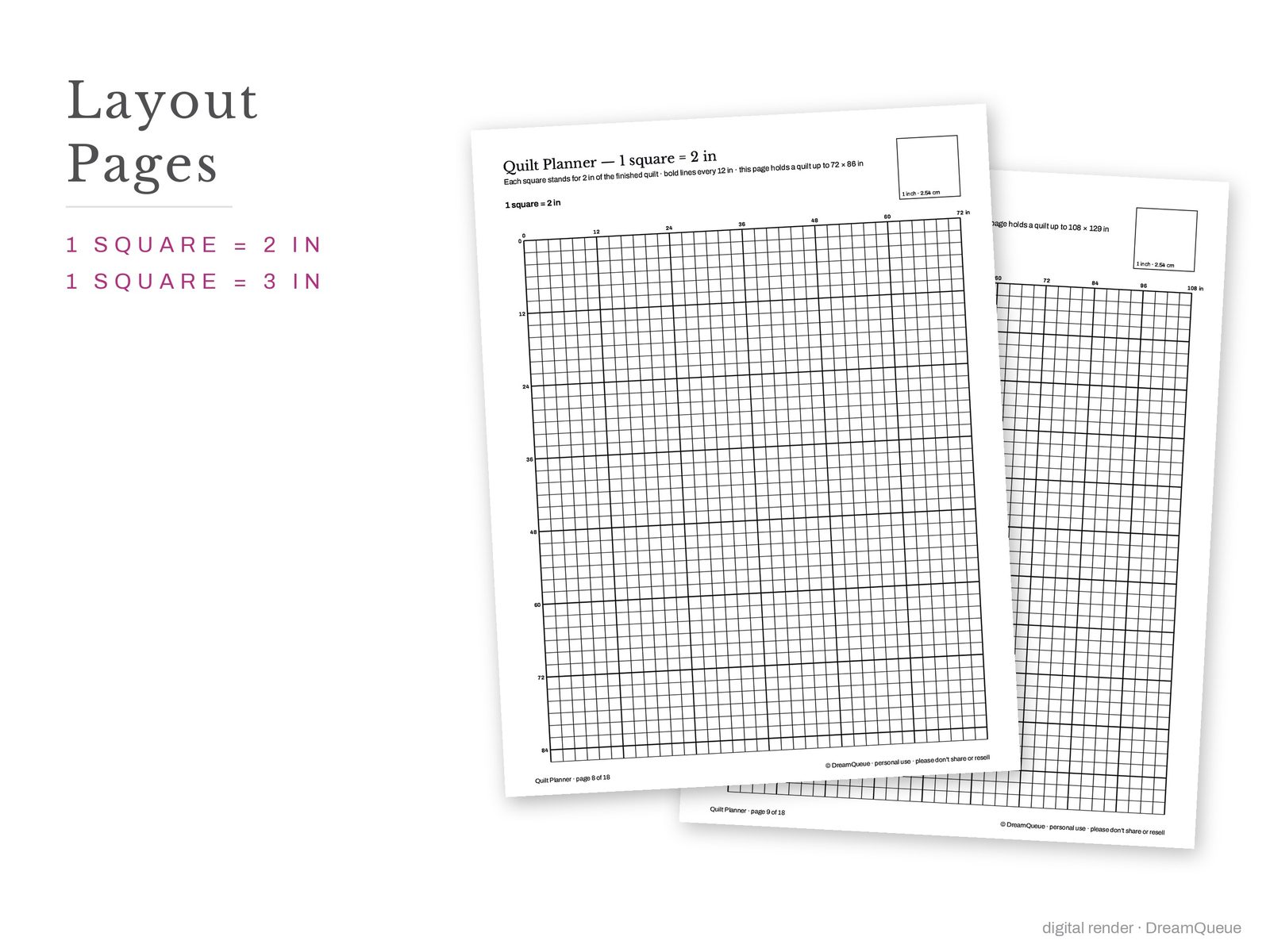
- Every grid at true scale with a 1-inch test square
- US Letter and A4 pages
- PDF for printing and PNG for tablet apps
 1
1 2
2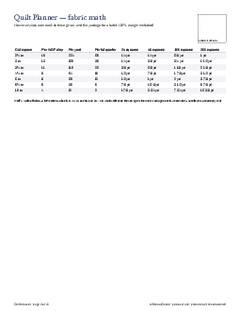 3
3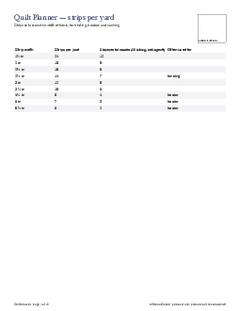 4
4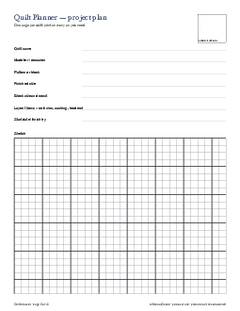 5
5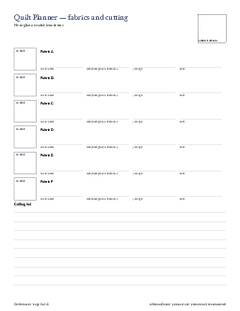 6
6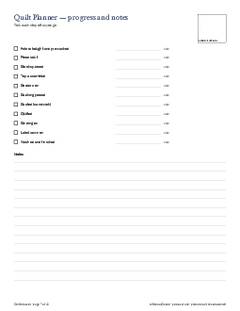 7
7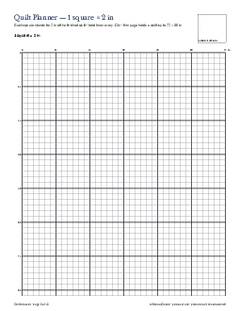 8
8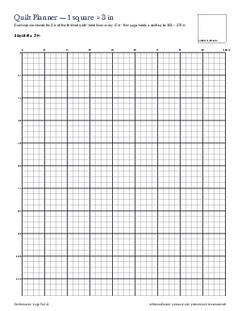 9
9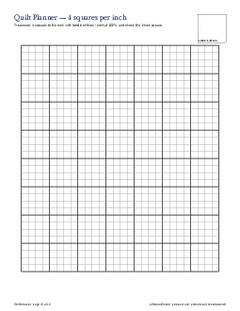 10
10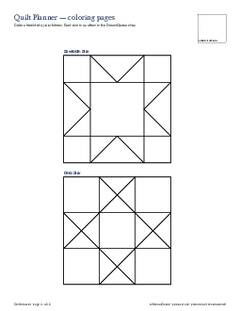 11
11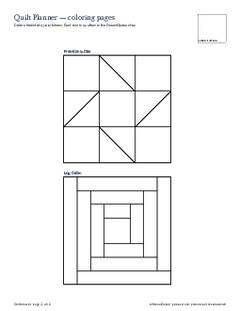 12
12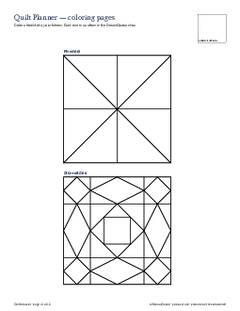 13
13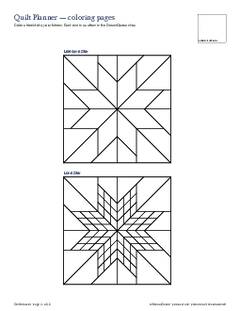 14
14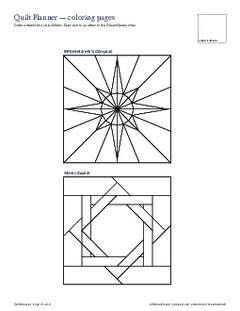 15
15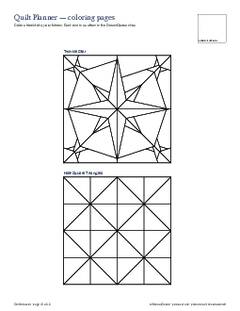 16
16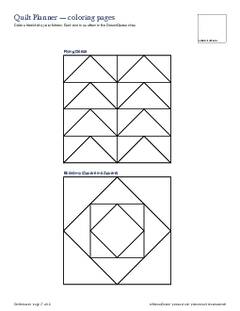 17
17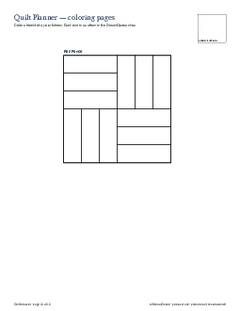 18
18
Printing at true size: set the printer to 100 % and check the test square. How to print a pattern at actual size
Questions about the Quilt Planner
- What is on each sheet?
- quilt sizes at Finished sizes the market makes, the mattress each bed size covers, and what to buy to finish them; fabric math at How many squares each cut size gives, and the yardage for a batch (10% margin included); strips per yard at Strips cut across the width of fabric, for binding, borders and sashing; project plan at One page per quilt: print as many as you need; fabrics and cutting at Pin or glue a swatch in each box; progress and notes at Tick each step off as you go, and 11 more.
- Will it print at the right size?
- Yes, when the printer is set to 100 % (actual size): every page carries a 1-inch test square to check against a ruler.
Ready to make it?
- Format PDF, Letter + A4